How-to guide · MM Studio · October 7, 2026
Practice Morse light signals before you need them
Blink sends Morse light signals through screen or flashlight flashes. During practice, the receiver must see the light and understand Morse code or an agreed meaning. Blink 1.0.3 requires iOS 17 or later; the current App Store listing provides English and Chinese app interfaces and screenshots.
Step by step
-
1. Read the safety notice and choose a practice spot
Read the app’s safety notice and practice away from traffic and dangerous equipment. Do not point bright flashes at eyes, roads, or people who are not participating. Check that everyone is comfortable with flashing light; do not begin if someone is sensitive to it. Agree on an ordinary practice message to avoid creating the impression of a real emergency.
-
2. Choose a short message both people know
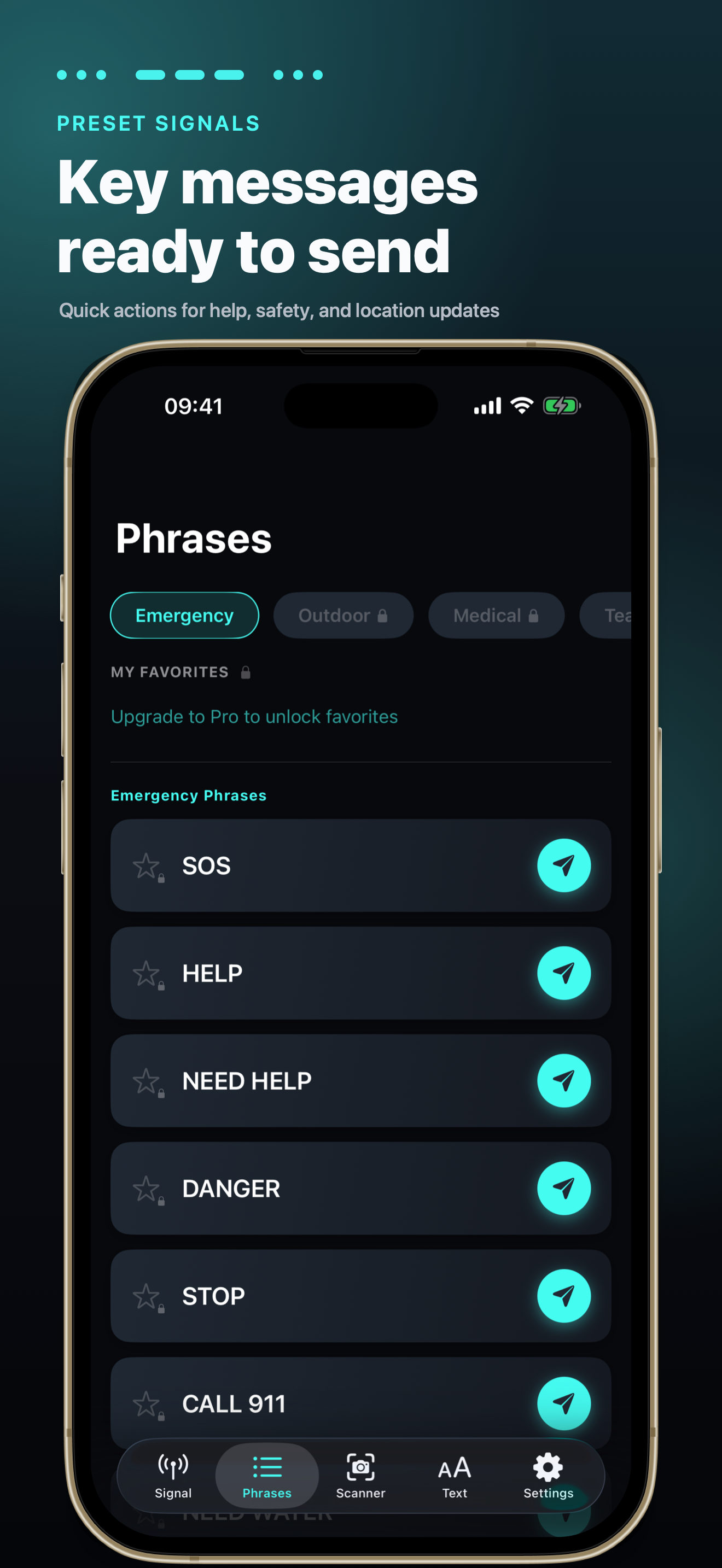
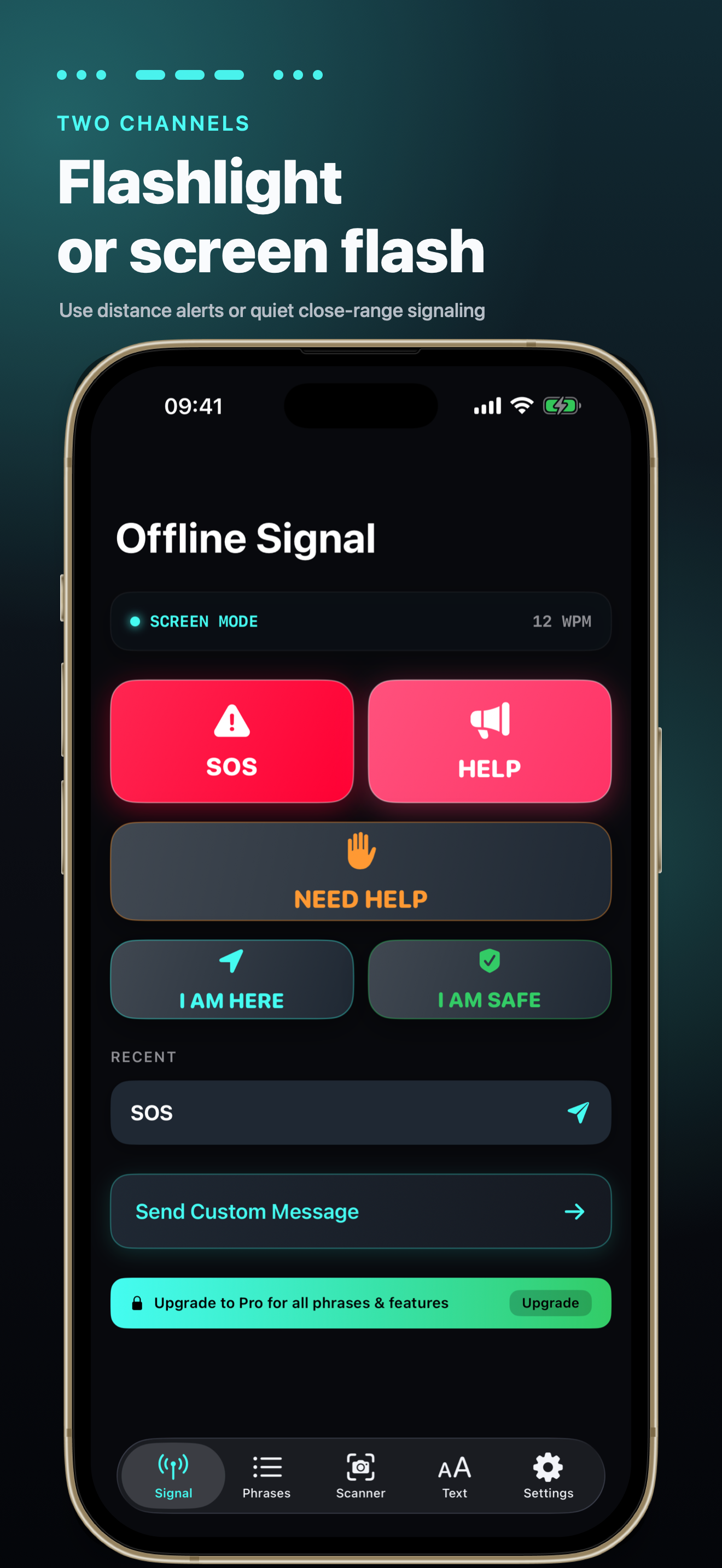
Choose a simple available phrase or prepare a short custom message. Before sending, tell the receiver the intended meaning and agree on how they will confirm understanding, ask for a repeat, or stop the exercise. Begin with an ordinary message; do not use SOS to attract bystanders.
-
3. Choose screen or flashlight output
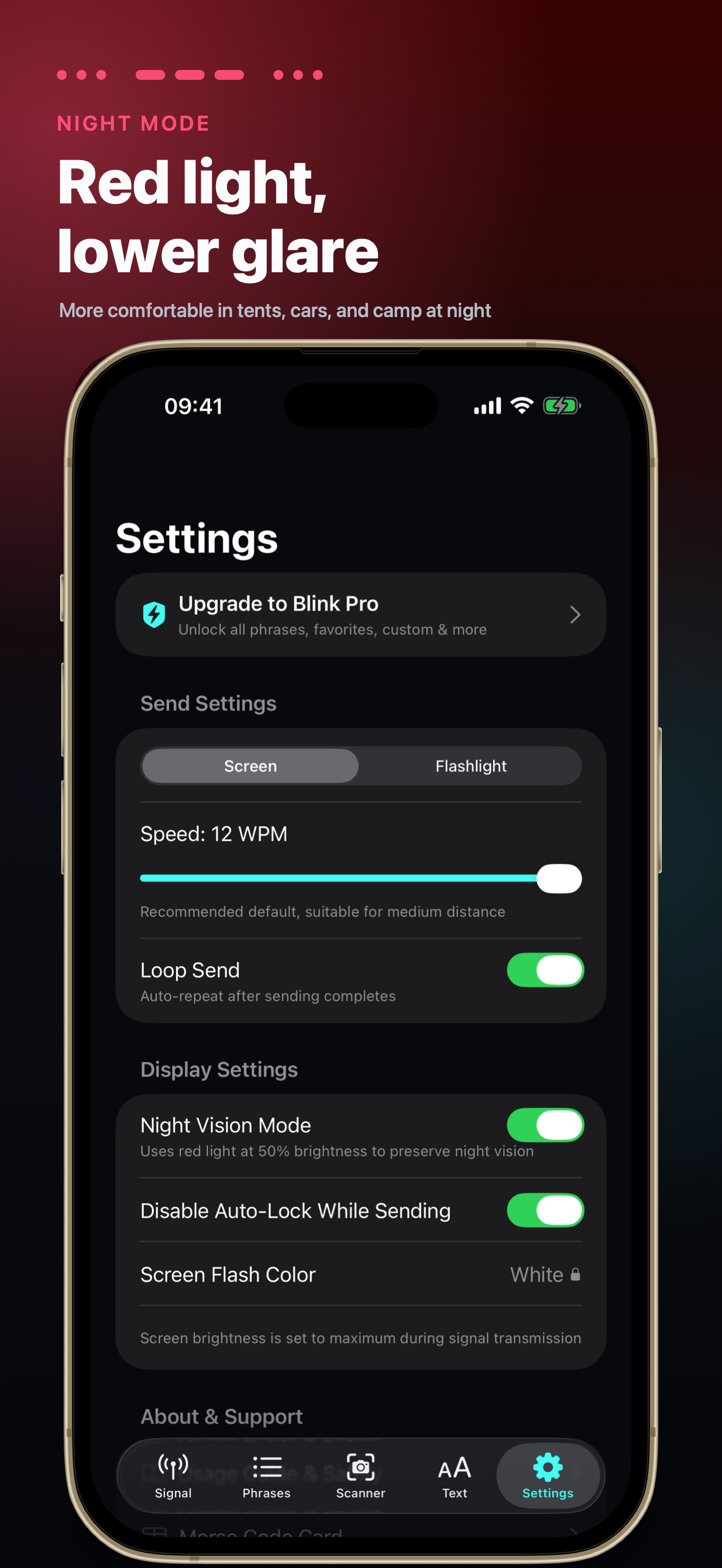
Choose screen or flashlight output for the practice setting and keep the light visible to the receiver without aiming it unsafely. Send a short sample, check that the device is producing the signal, and ask whether the receiver can see it clearly. Starting transmission is not confirmation of receipt.
-
4. Slow down and check what was understood
Begin at a speed both people can follow and reduce it if necessary. Pause after a short message, ask the receiver to repeat its meaning, and compare it with the original. If it was misunderstood, shorten the message or adjust the position. Change one condition at a time before trying again.
-
5. Watch the surroundings and stop when needed
Recheck visibility and understanding whenever distance, lighting, or position changes. Watch battery level, device heat, and app notices. Stop if anyone feels uncomfortable, the device has a temperature problem, or the surroundings interfere. At the end, confirm that flashing has stopped and keep another way to communicate.
Know the limits
- Reception depends on line of sight, ambient light, distance, battery, and device behavior. This guide makes no claim about usable range, detection rates, or rescue outcomes.
- Blink cannot replace local emergency services, satellite SOS, or dedicated emergency equipment. Sending a light signal does not contact a rescue service or confirm that help has been requested successfully.
- Basic signaling is free. All phrase categories, favorites, custom phrases and longer messages, screen colors, full history, higher speed ranges, and loop intervals require the one-time Blink Pro purchase. There is no subscription; check the current in-app and App Store price.
Common questions
Does offline sending mean the message can reach a distant person?
Offline means that producing the light signal does not rely on a network. The receiver still needs to see the light and understand the signal. It cannot overcome an obstruction or deliver the message over a network to someone far away.
How do I know the receiver understood it?
Agree on a clear response method before practice and ask the receiver to repeat the message afterward. Seeing the app flash does not prove that the signal was seen or understood. Without an explicit response, do not treat transmission as successful receipt.
What if the signal remains hard to see?
Stop and check for obstructions, strong ambient light, or device notices. If it is safe, shorten the practice distance or change position, then test a short message again. If visibility remains poor, use another way to communicate rather than relying on continued flashing.
Try it in Blink
Check the App Store and in-app information for feature access, current pricing, and purchase terms. The interface may change with updates.
Download on the App Store