
Dual Camera: PiP & Split VideoNew
Record both views. Choose the layout after filming.
- Compatibility
- iPhone · iOS 17+ · MultiCam
- Version
- 1.1
- Price
- Free
About this app
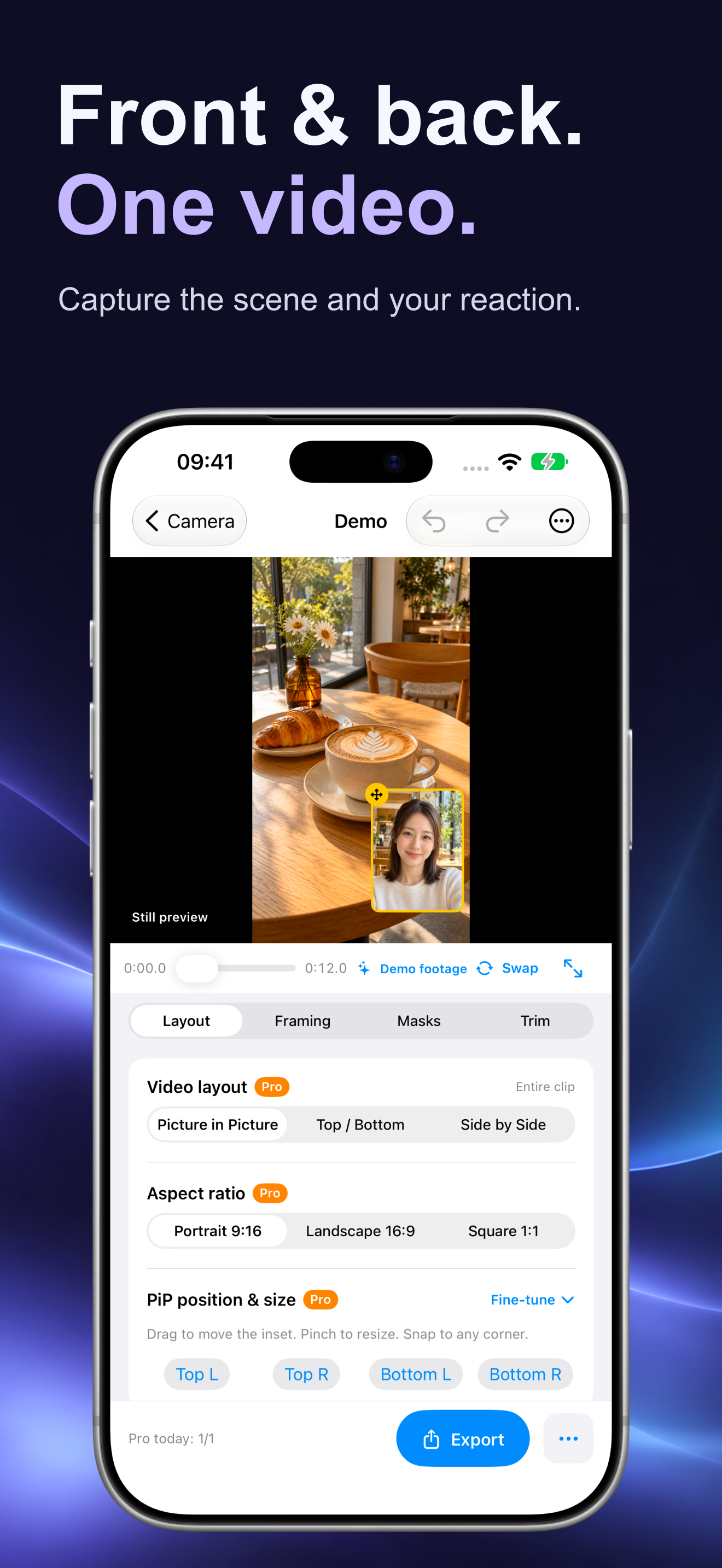
Capture the scene and your reaction together on an iPhone with MultiCam support. Keep both recordings, adjust PiP or split-screen layouts, framing, aspect ratio and mirroring after filming, then trim, mute, preview, save or share. Try avatars and a privacy mask, with videos and face analysis processed on your device and no app account required. Designed for vlogs, unboxings, travel and interviews. Requires iOS 17 or later; recording capabilities depend on your device. Basic PiP exports have no watermark, and eligible advanced exports include one successful free allowance per day. Pro offers monthly, yearly and lifetime one-time purchase options; local prices and terms are shown in the app and App Store. The interface examples below include AI static samples, not evidence of real dual-camera recording or continuous facial tracking.
Inside the app
See how it works
Select an image to enlarge. Content is illustrative; the interface may change with updates.
Features
Two views in one take
Record front and rear cameras together on a compatible iPhone. The app checks MultiCam support and available formats.
Reframe after recording
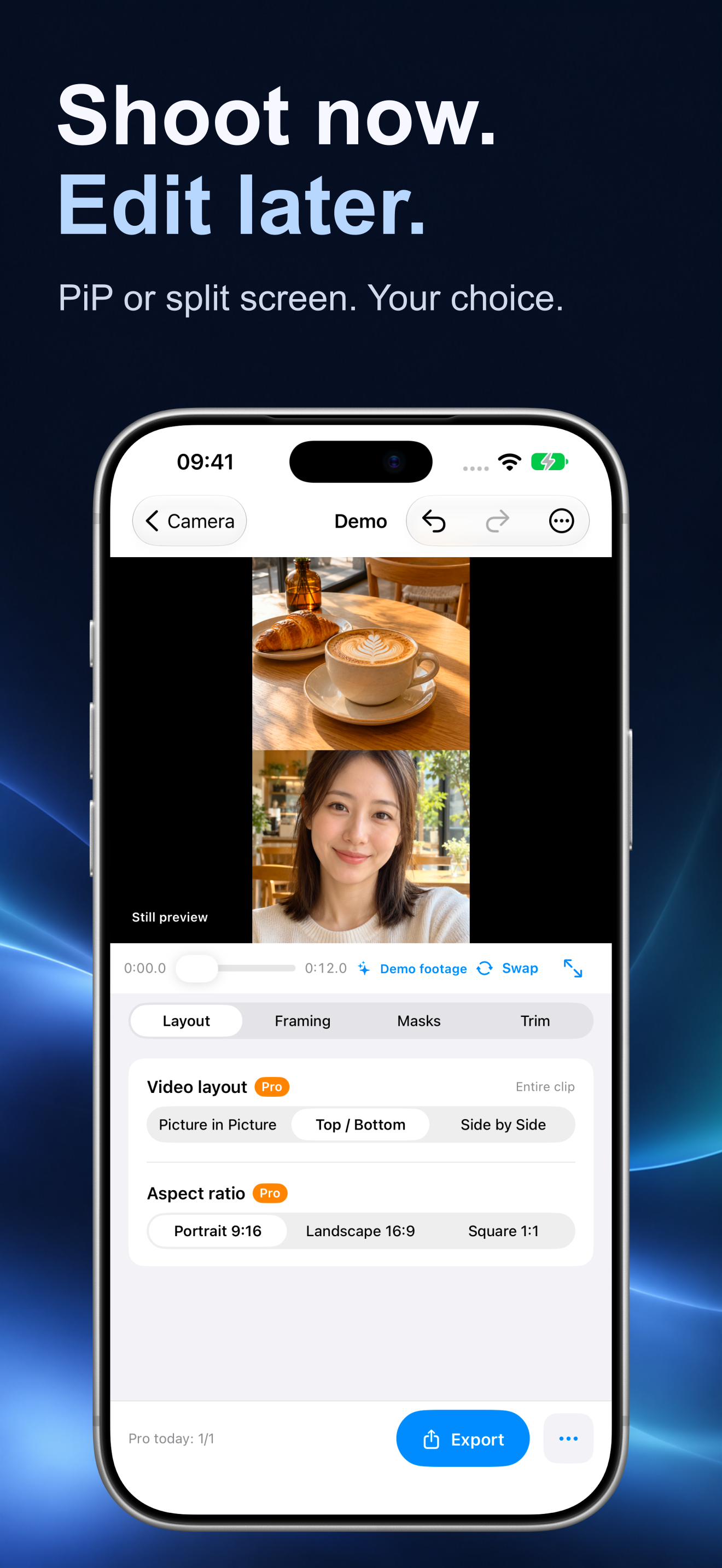
Adjust PiP, top-and-bottom or side-by-side layouts, inset position and size, with 9:16, 16:9 or 1:1 output.
Avatars and a privacy mask
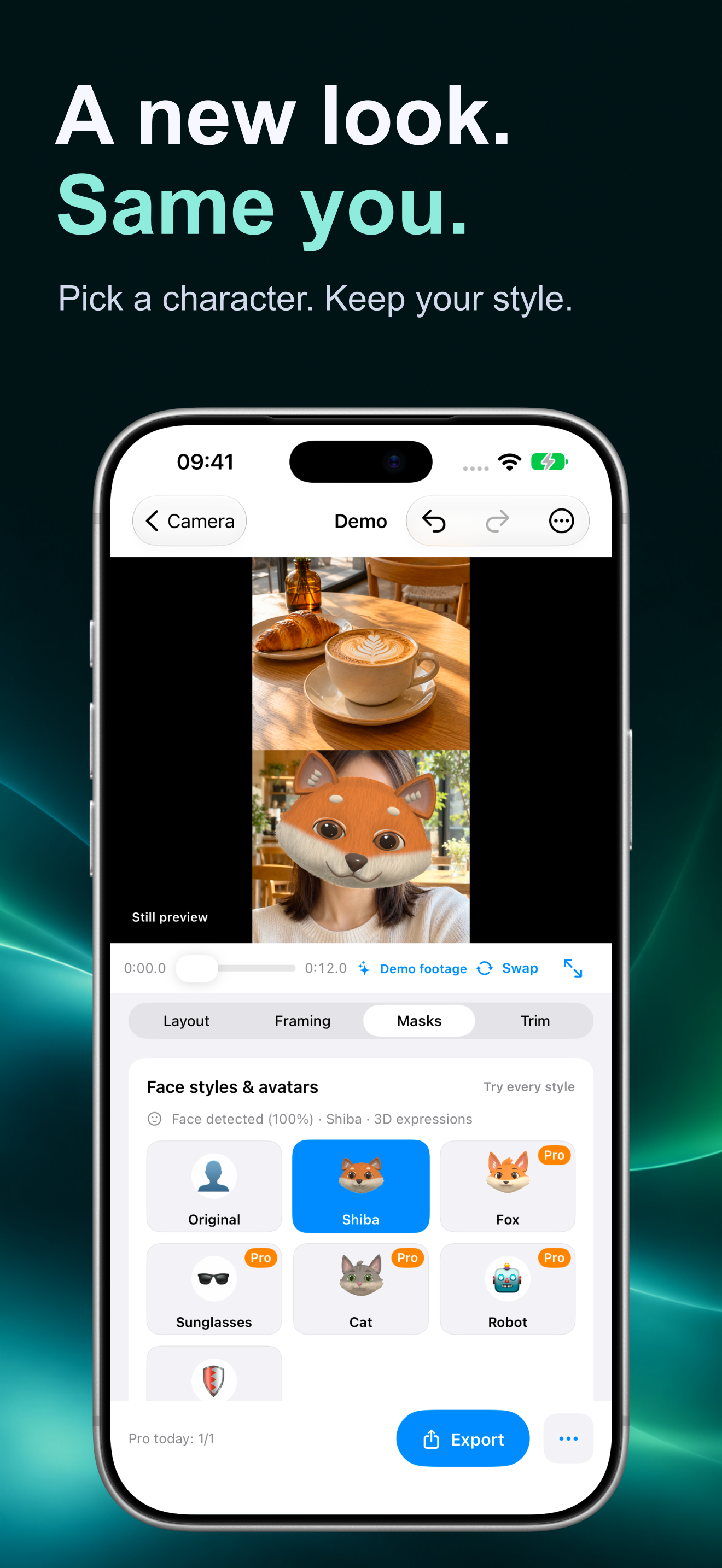
Try Shiba, fox, cat, robot or sunglasses styles. Face position and expression analysis run on your device.
Preview, save and share
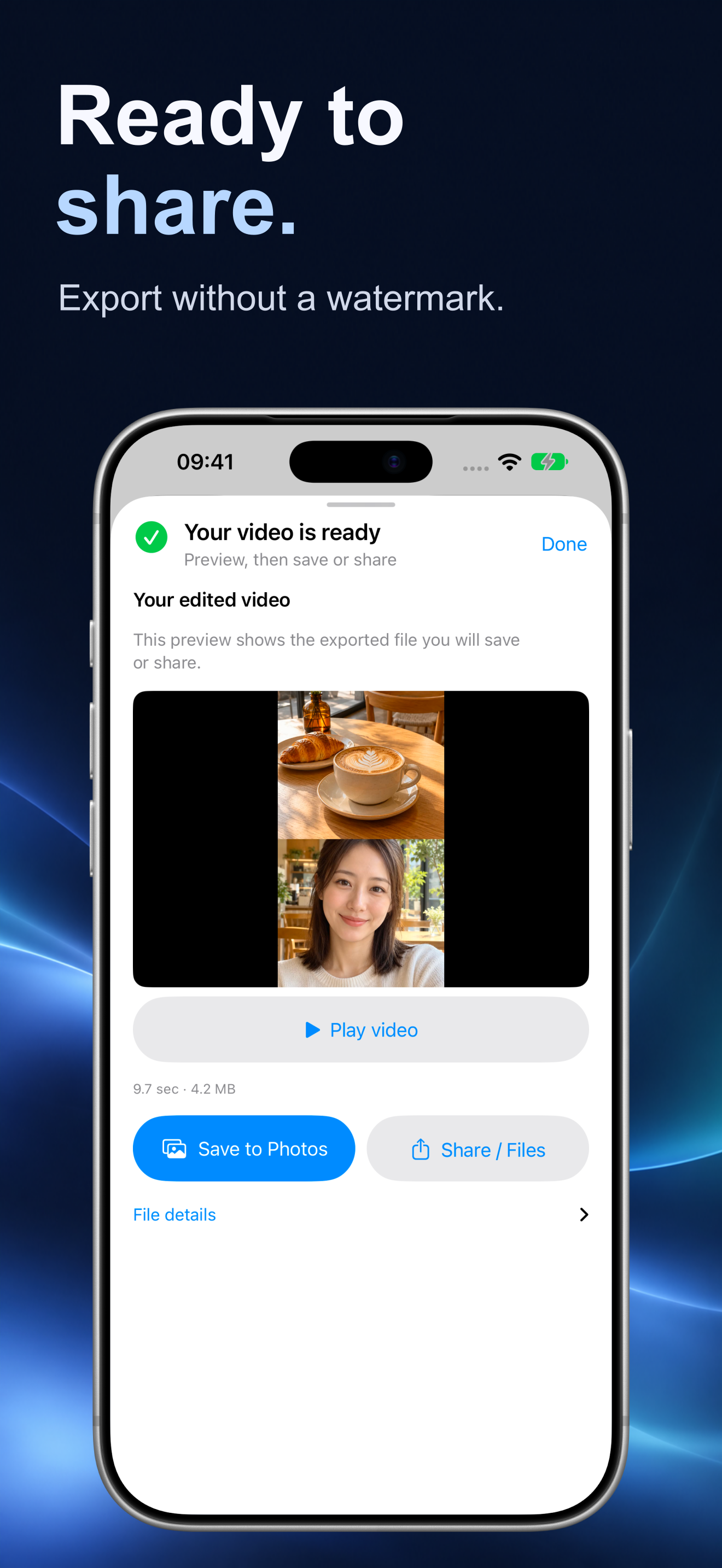
Trim clips, keep audio or mute, then play the result before saving to Photos, sharing or saving to Files.
On-device processing
Recordings, projects and face analysis stay on device. Return to My Videos to continue editing.
Free basics and optional Pro
Basic PiP, trimming, muting, the privacy mask and Shiba are free. Try one successful advanced export per day; monthly, yearly and one-time plans provide the same Pro access.

Dual Camera: PiP & Split Video
Record both views. Choose the layout after filming.


