
Photo to PDF: Merge & Layout
Merge photos into a PDF in one tap
- Compatibility
- iOS 16+ · iPadOS 16+
- Version
- 1.3.1
- Price
- Free
About this app
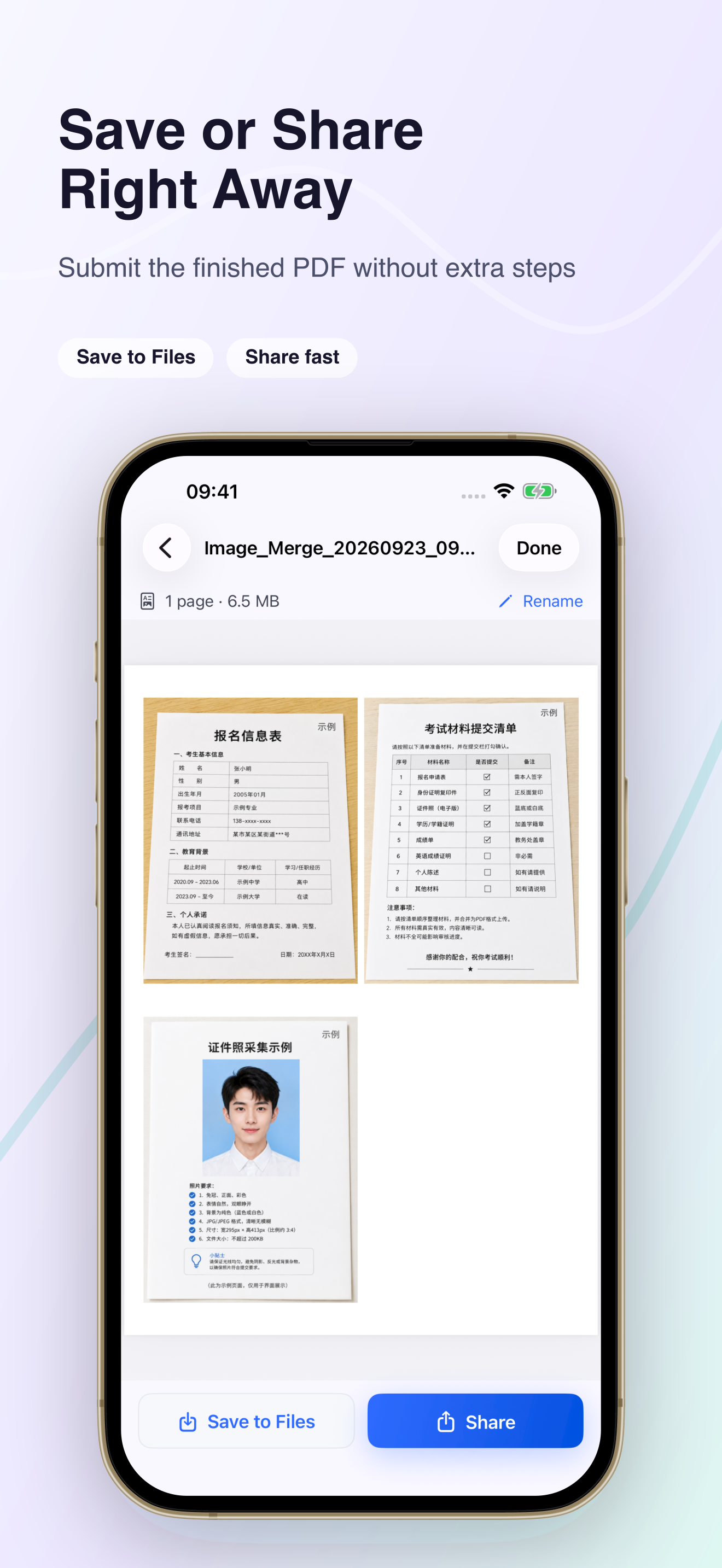
Turn photos, screenshots, receipts, contracts, and document images into one PDF. Import from Photos or Files, reorder images, choose A4, original-size, or print-friendly pages, and set margins and page numbers before previewing, renaming, saving, or sharing. Images and PDFs are processed on device without server uploads. Basic creation is free; Pro unlocks unlimited images and generations, high-quality export, and multi-image page layouts.
Inside the app
See how it works
Select an image to enlarge. Content is illustrative; the interface may change with updates.
Practical how-to guide
Combine receipts or document photos into one PDF
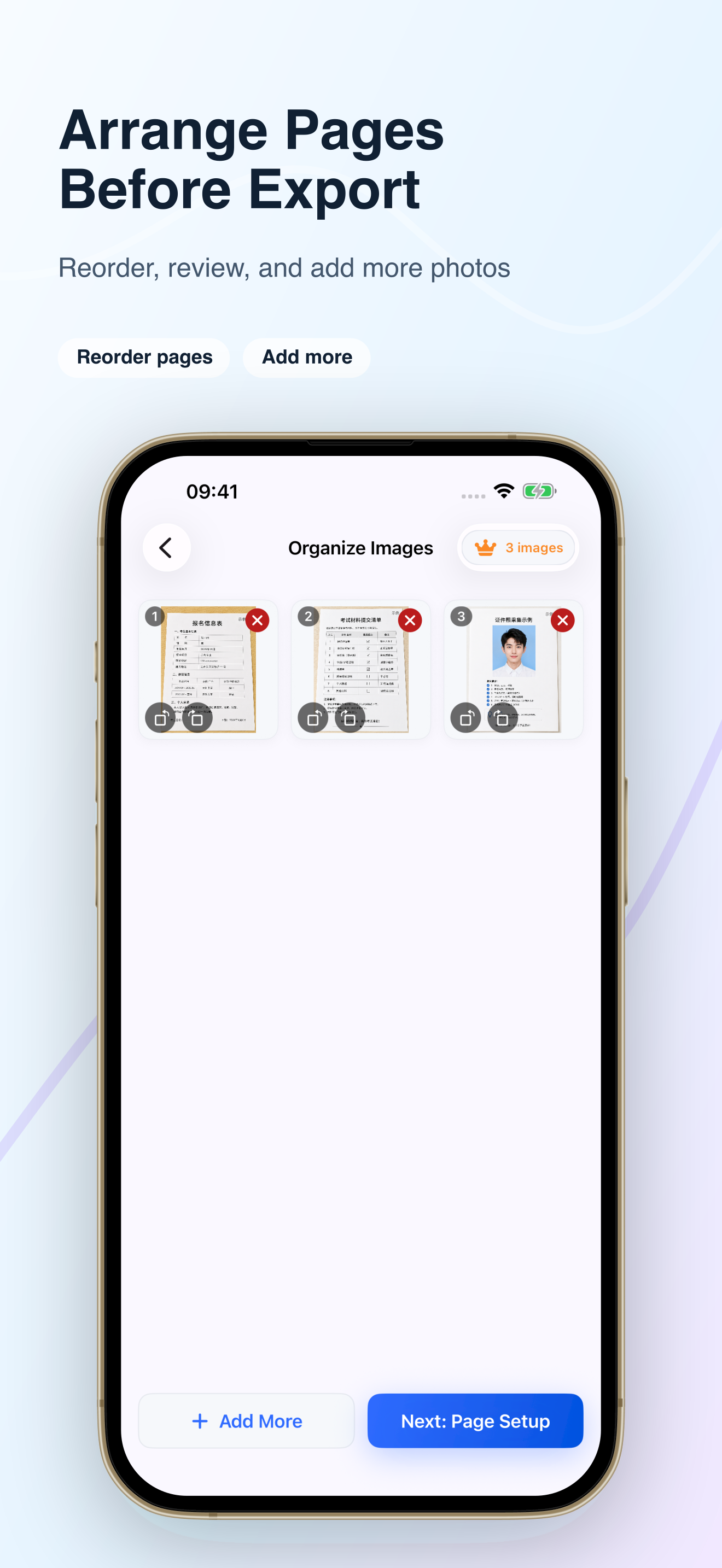
Select images from Photos or Files, put pages in order, choose a layout, check legibility, and save one PDF for uploading or archiving.
Read the step-by-step guide →Features
Merge in One Tap
Choose images from Photos or Files and combine them into one PDF. Pro unlocks unlimited images.
Drag to Reorder
Long-press and drag to reorder pages, or remove a single image — WYSIWYG.
Flexible Page Sizes
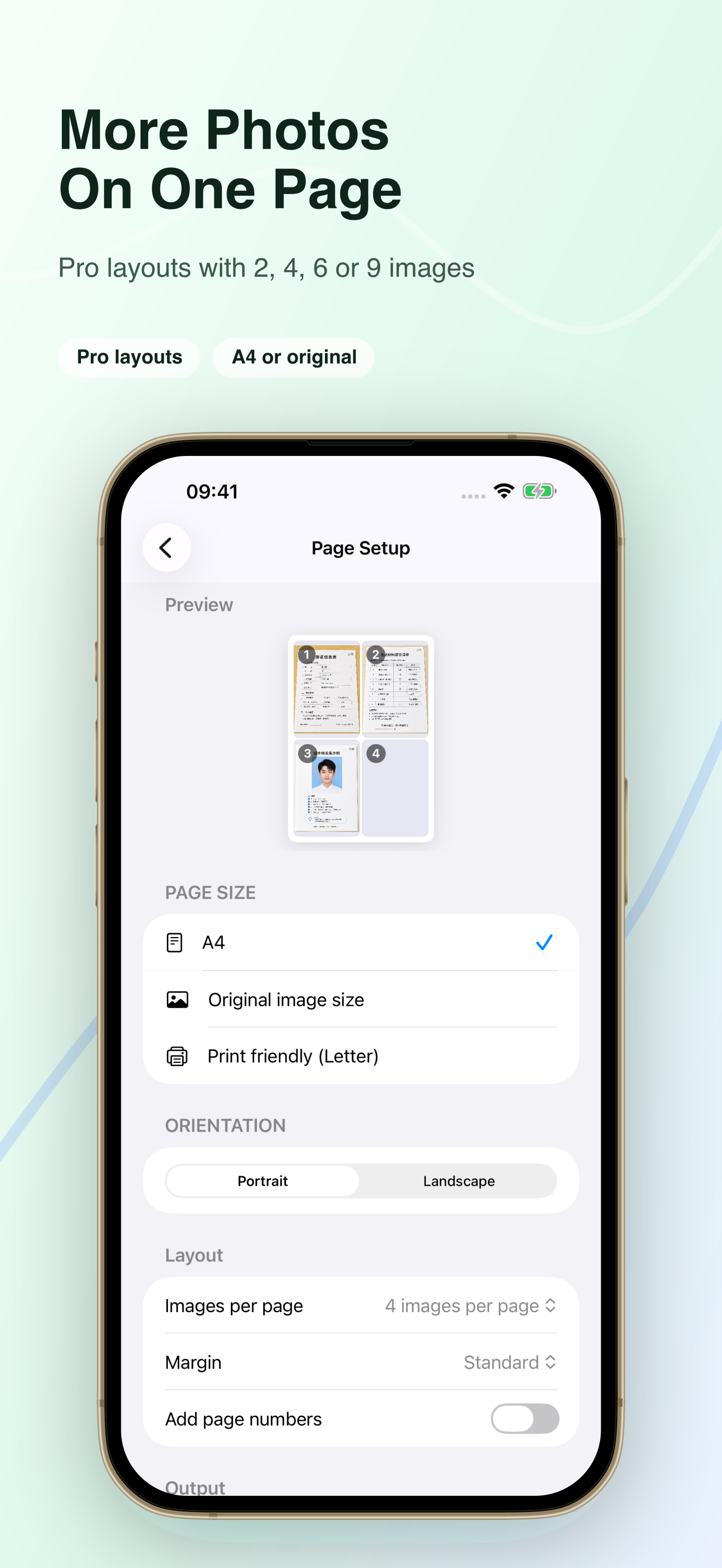
Choose A4, original-size, or print-friendly pages, customize margins, and add optional page numbers.
Portrait or Landscape
Toggle portrait or landscape to fit IDs, contracts, banners or any kind of image.
Preview & Share
Preview, rename, save to Files, or share the result, and reopen recent PDFs from Home.
On-Device PDF Creation
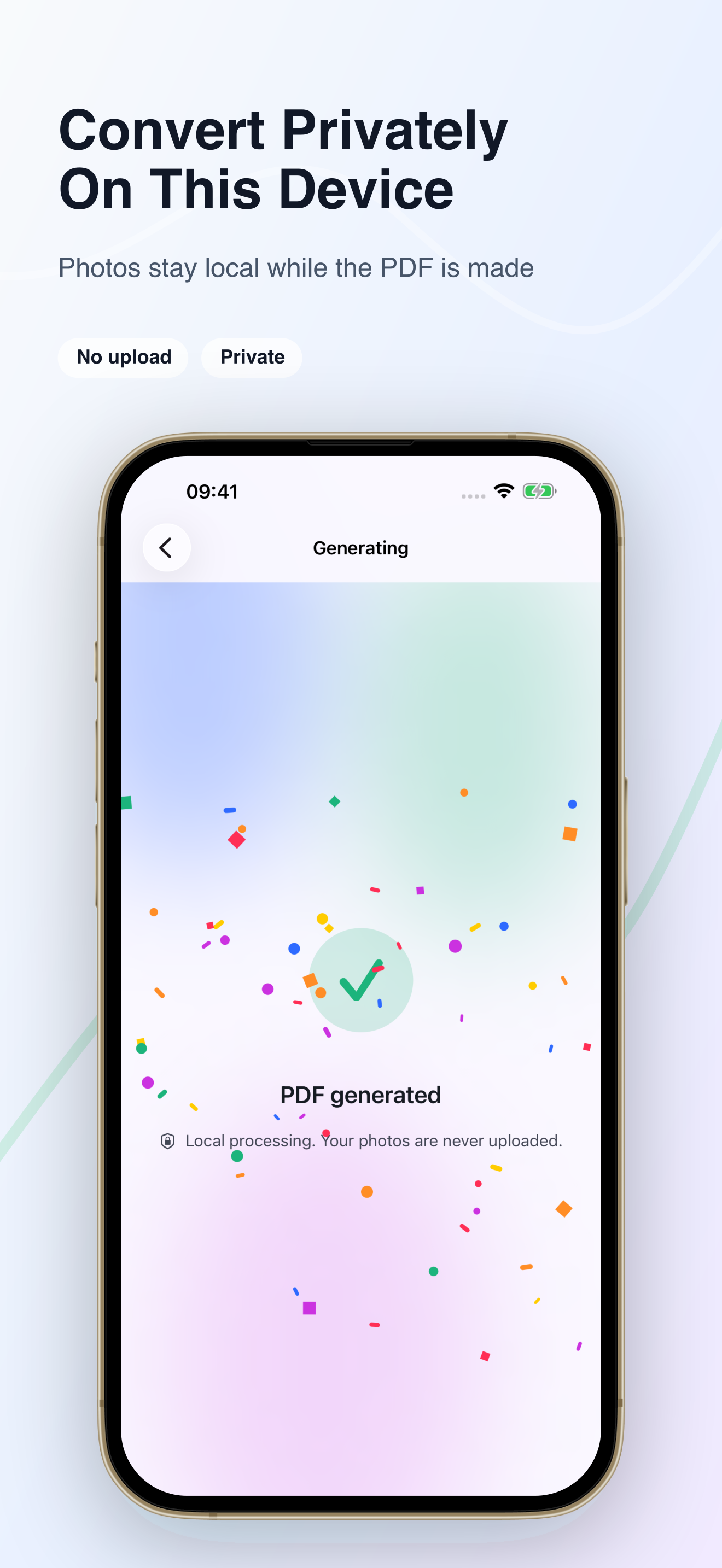
Only the images you choose or supply are processed. Images and PDF generation stay on device without server uploads.
Free Basics, More with ProPro
Basic PDF creation is free. Pro unlocks unlimited images and generations, high-quality export, and 2, 4, 6, or 9 images per page. Check the app for current free limits and purchase options.


