
PDF Compressor
Compress PDFs to a target size
Choose a target, check the result, then save or share. One free compression per day.
- Compatibility
- iOS 16+ · iPadOS 16+
- Version
- 1.3.4
- Price
- Free
About this app
Reduce oversized PDFs for application forms, visa documents, résumés, and email attachments. Choose a 500KB, 1MB, 2MB, 5MB, or 10MB target, then check the actual file size and readability. Reaching a target depends on the document; text-only or already optimized PDFs may shrink very little. Free to download with one free compression per day. Custom targets and batch compression require Pro.
From target to result
See how it works
Select an image to enlarge. Results in the official App Store artwork are illustrative and vary by file.
Practical PDF guide
PDF too large for a 500KB, 1MB, or 2MB limit?
Choose a target, check readability, and export. Learn the steps, free quota, and limits of compression.
Read the step-by-step guide →Features
Choose a target size
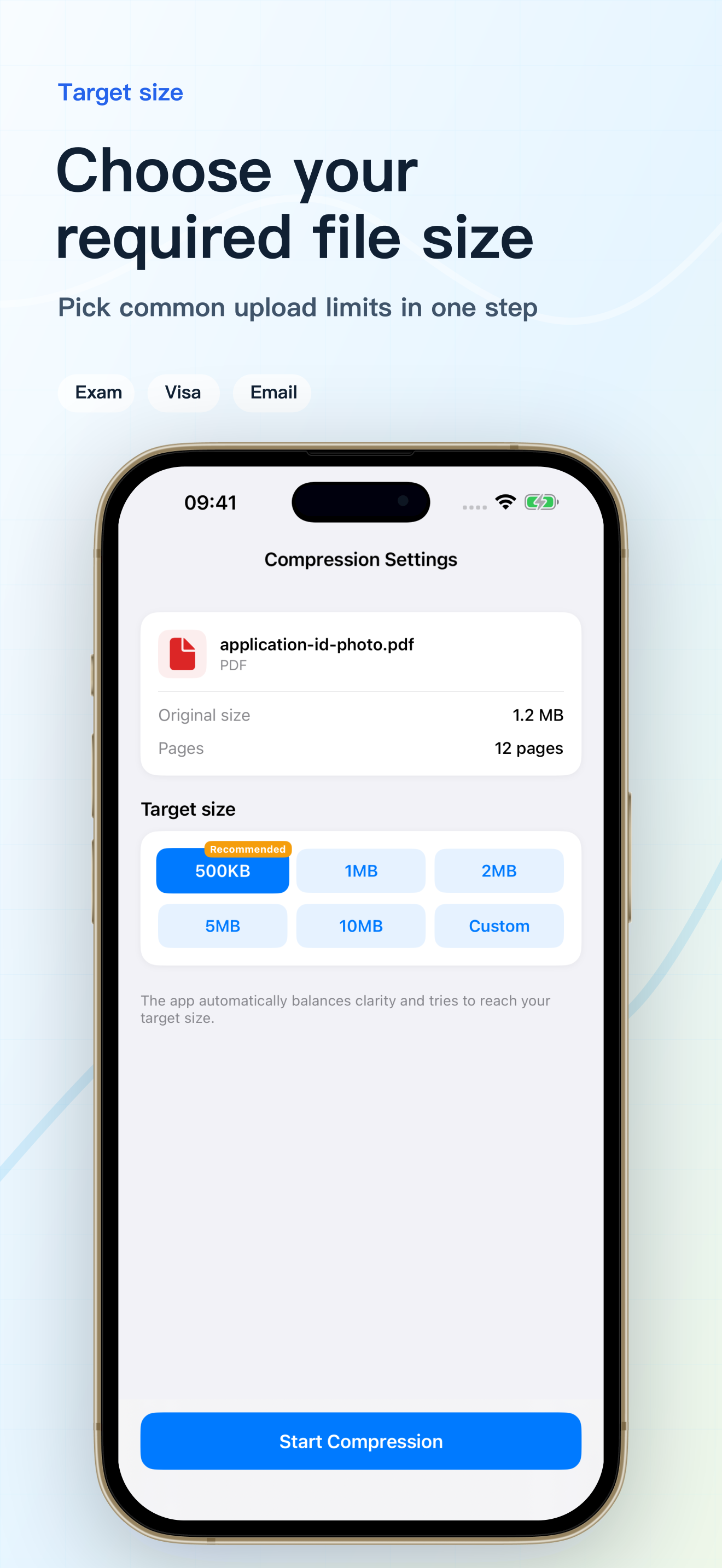
Presets include 500KB, 1MB, 2MB, 5MB, and 10MB. The app tries to reach the target; results depend on your PDF.
Preview before saving
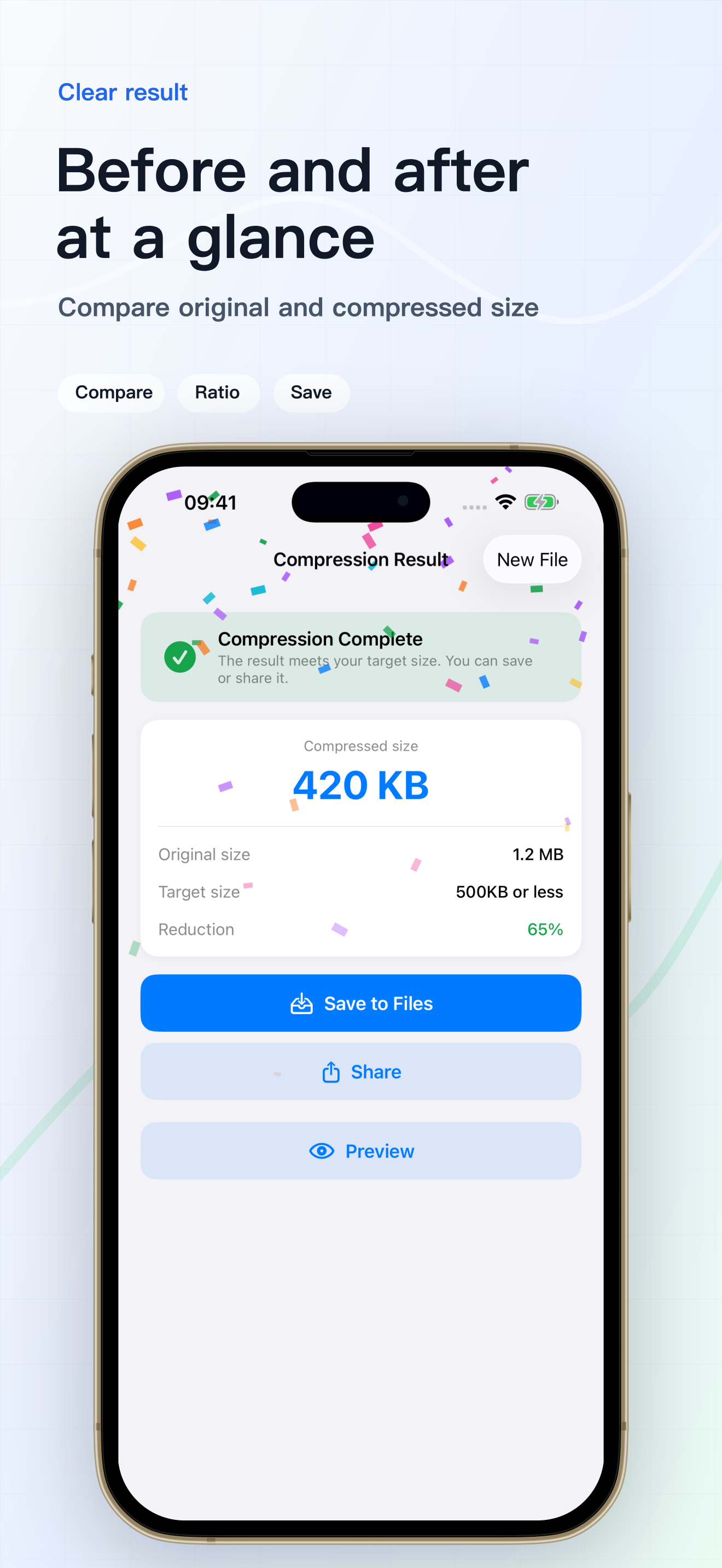
Review original and compressed sizes and target status. Check text and images in Preview, then save to Files or share.
Custom targets with ProPro
Pro lets you choose a custom KB or MB target. Smaller targets can require more visible quality trade-offs.
Batch compression with ProPro
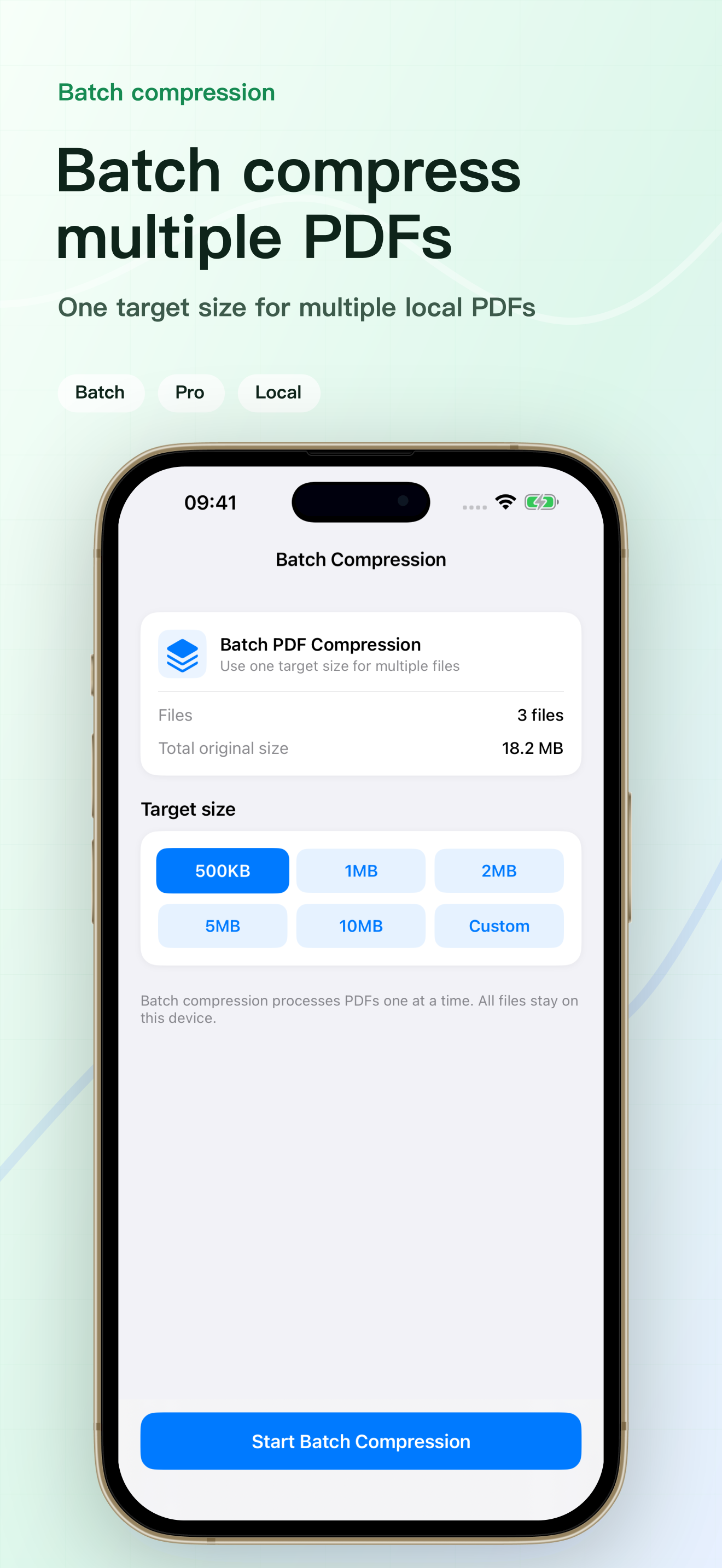
Process multiple PDFs with Pro. Check each exported file’s size and readability, and keep your originals.
Shortcuts support
Version 1.3.1 adds Shortcuts support: pass in a PDF and target size, then use the resulting file in the next action.
Free quota and Pro plansPro
One free compression per day. Pro includes unlimited compression, custom targets, and batch processing, with monthly or yearly auto-renewing subscriptions or a one-time lifetime purchase. See the App Store for current prices and terms.


