
Photo Compressor: Resize to KB
Prepare a JPG for pixel and KB upload limits
- Compatibility
- iOS 16+ · iPadOS 16+
- Version
- 1.3.1
- Price
- Free
About this app
Prepare an existing photo as a JPG for an application or upload. Drag, zoom, and rotate the crop, choose a preset, or use Pro to set custom width, height, and target KB. Review output dimensions, file size, JPEG quality, and target status before saving or sharing. Photos are processed on device without server uploads. Pro includes custom specifications and unlimited exports; check the receiving platform’s current requirements before submitting.
Inside the app
See how it works
Select an image to enlarge. Content is illustrative; the interface may change with updates.
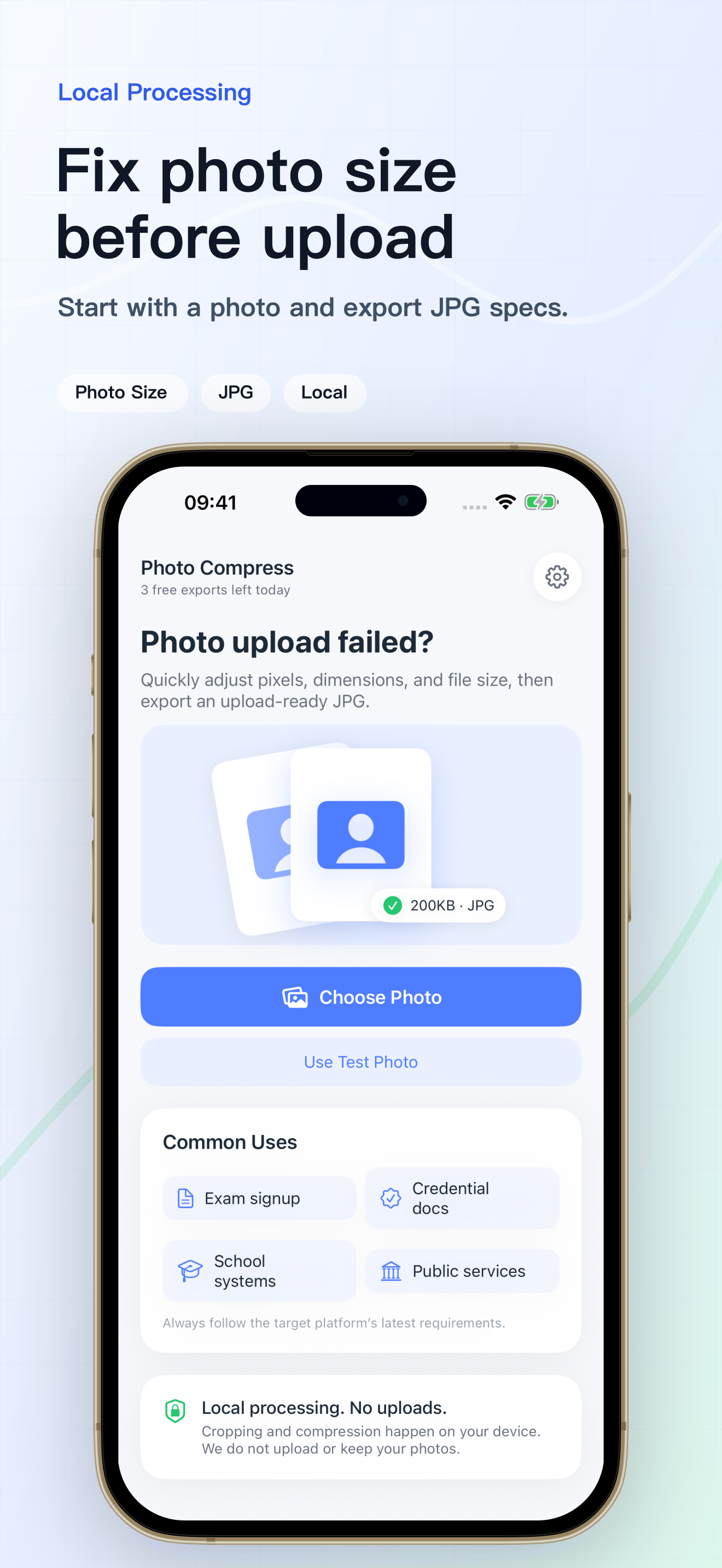
01Choose a photo; the remaining allowance pictured is an example state
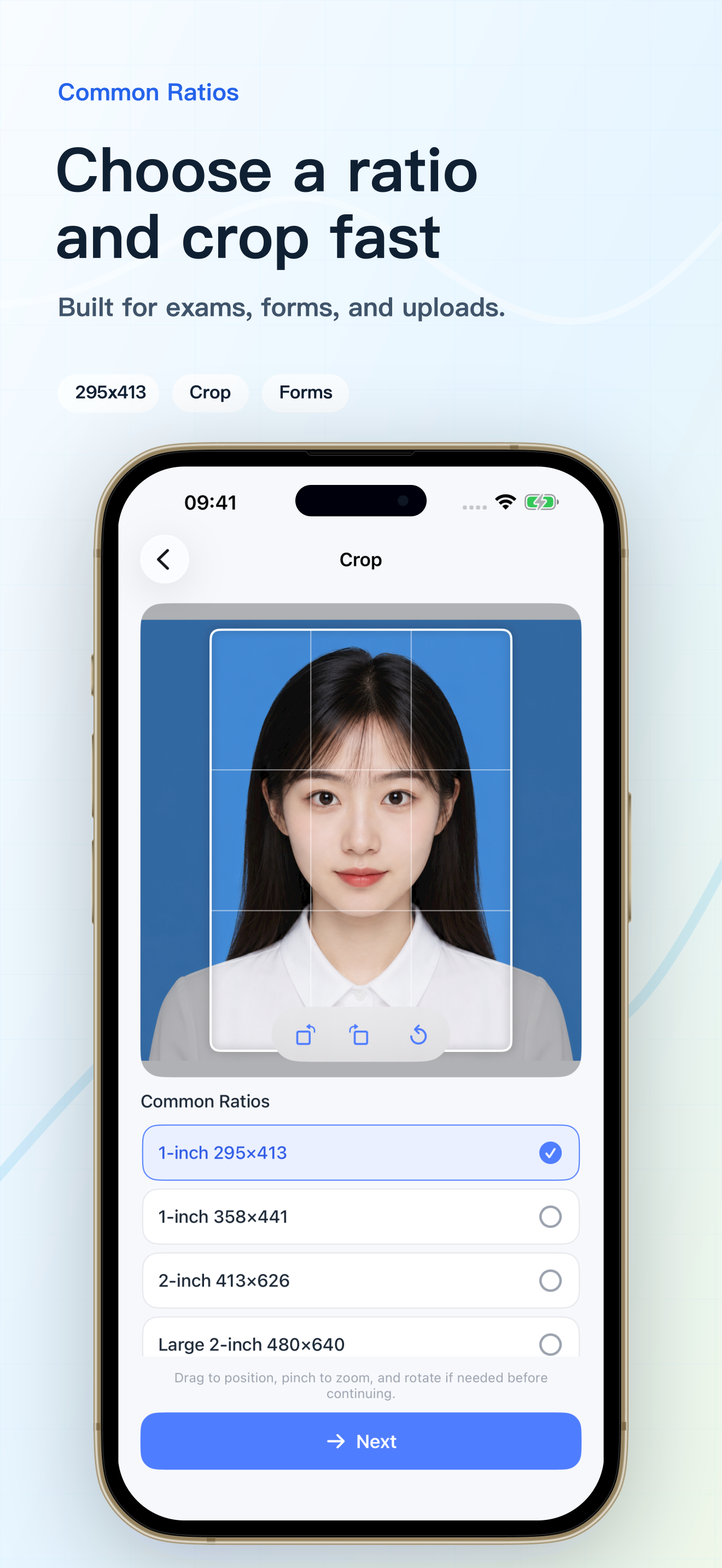
02Adjust the crop ratio to the recipient’s requirements
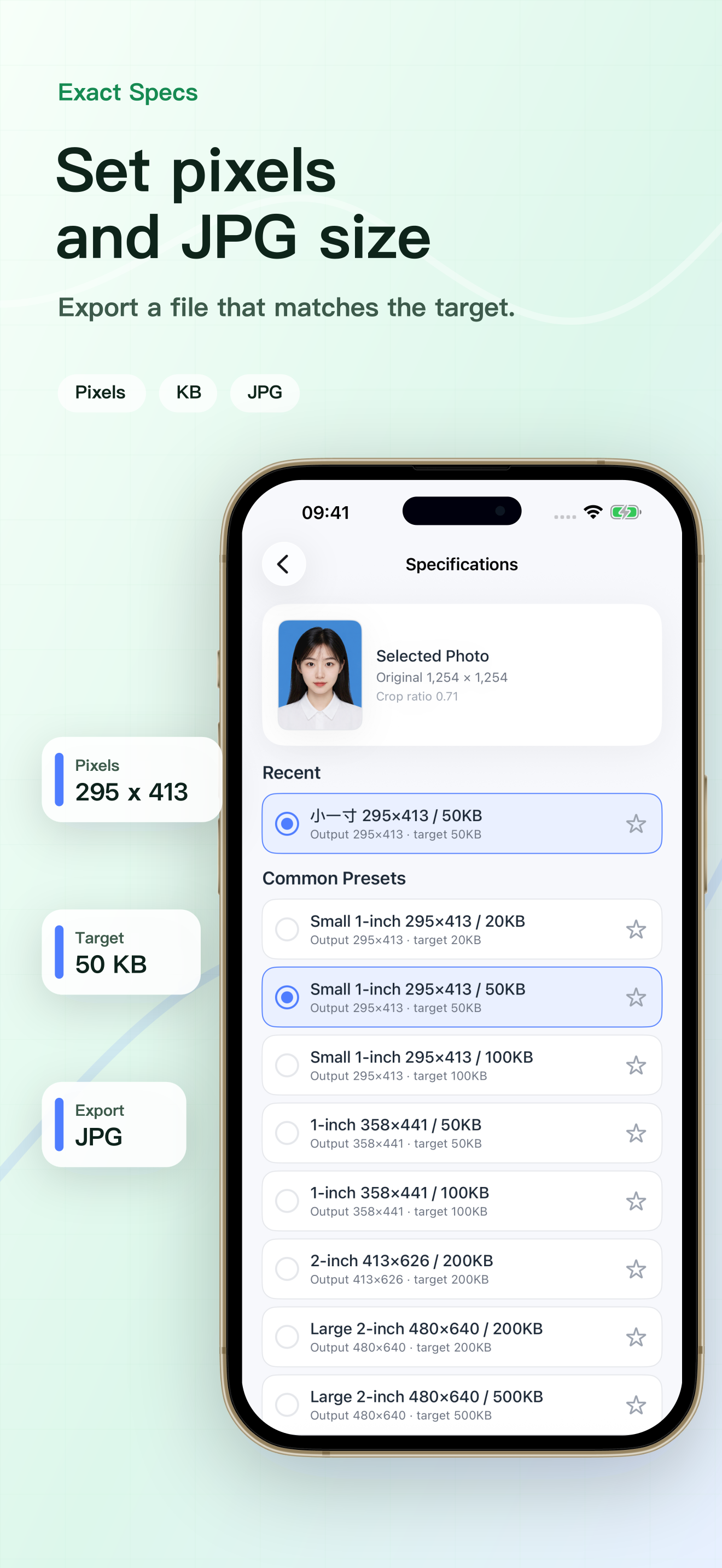
03Set pixels and KB; custom specifications require Pro
Practical how-to guide
Prepare a JPG for a pixel and KB upload limit
Check upload rules, crop an existing photo, choose pixel dimensions and a target KB size, then inspect the exported JPG and its details.
Read the step-by-step guide →Features
On-Device, Never Uploaded
All photo reading, cropping and compression happen locally on your device. No uploads, no ads, no analytics SDKs.
Common Application Ratios
Choose a common application or ID-photo preset, then drag, pinch to zoom, or rotate 90 degrees left or right to adjust the crop.
Presets or Pro Custom Targets
Use a built-in preset, or enter custom width, height, and target KB with Pro. Check the actual output after generation.
Clear Result Status
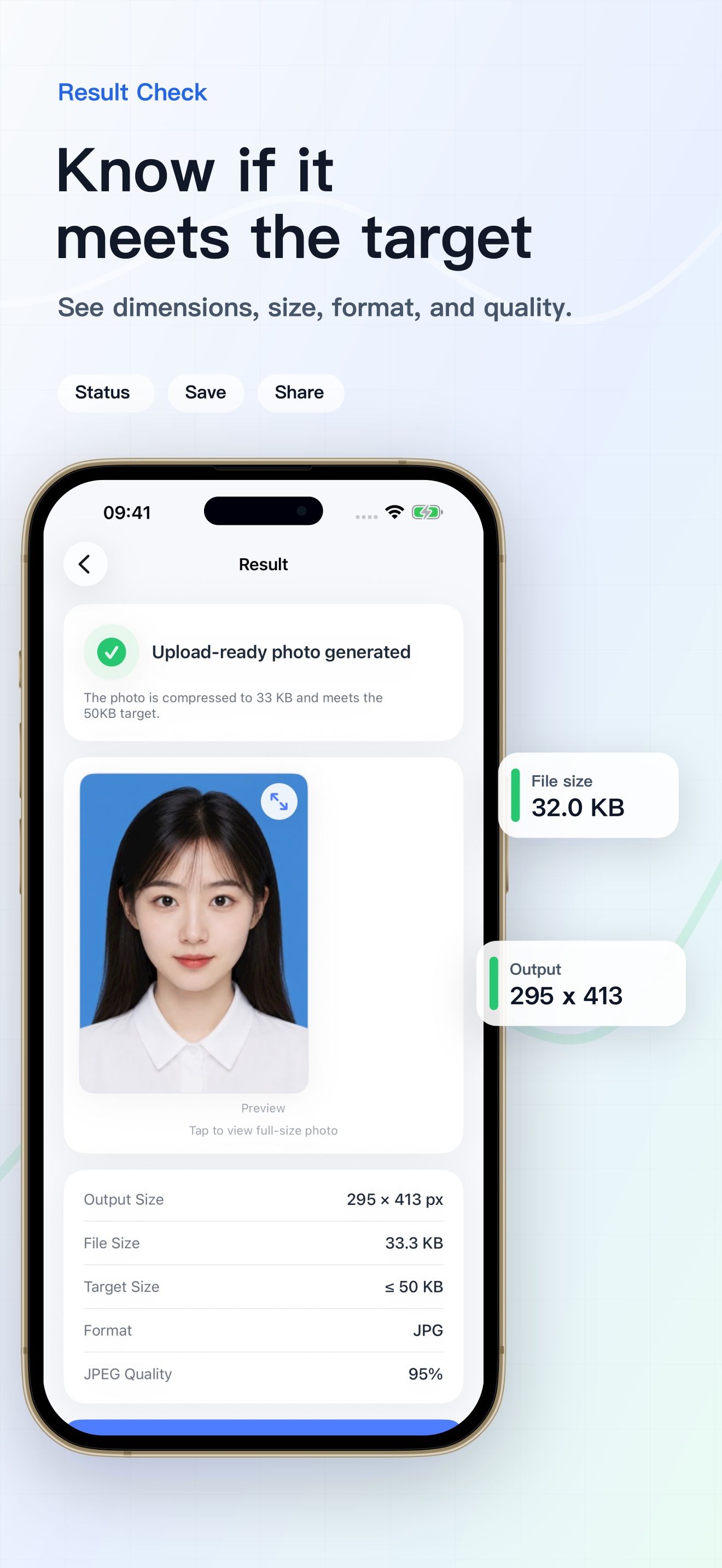
The result screen shows dimensions, file size, JPEG quality and whether the target is met — verify before you upload.
Export JPG & Share
Save the result to Photos in one tap, or send it through the system share sheet to mail, browsers or upload apps.
Custom Specs · Unlimited ExportPro
Pro unlocks custom width, height, and target KB plus unlimited exports. Monthly and yearly subscriptions auto-renew; a one-time option is also available. The current purchase screen shows pricing.
No Ads · No Tracking
No ads displayed, no personal data collected, not used for tracking — kept minimal per Apple privacy nutrition label.

Photo Compressor: Resize to KB
Prepare a JPG for pixel and KB upload limits


