
Signature PNG
Turn a paper signature into a clean, truly transparent PNG.
- Compatibility
- iOS 16+
- Version
- 1.2
- Price
- Free
About this app
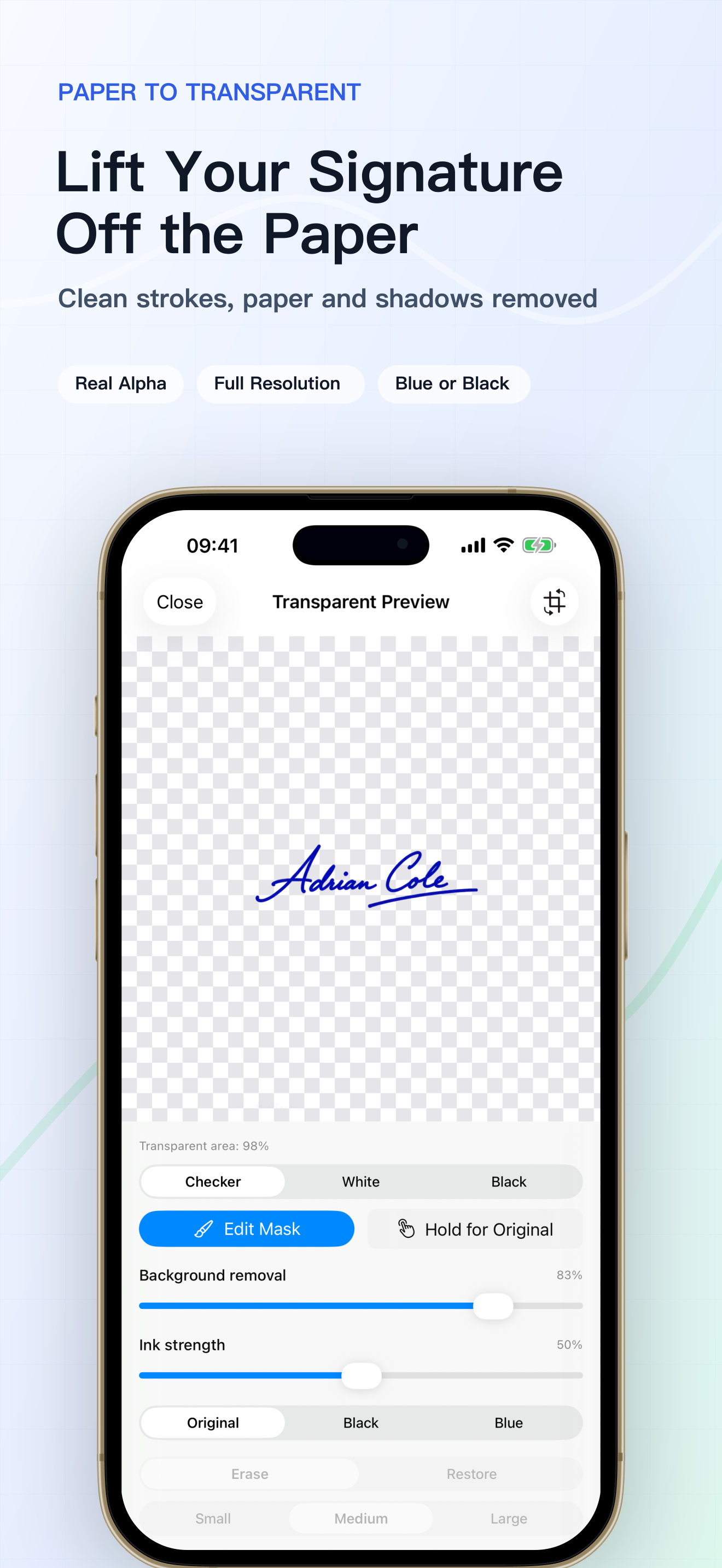
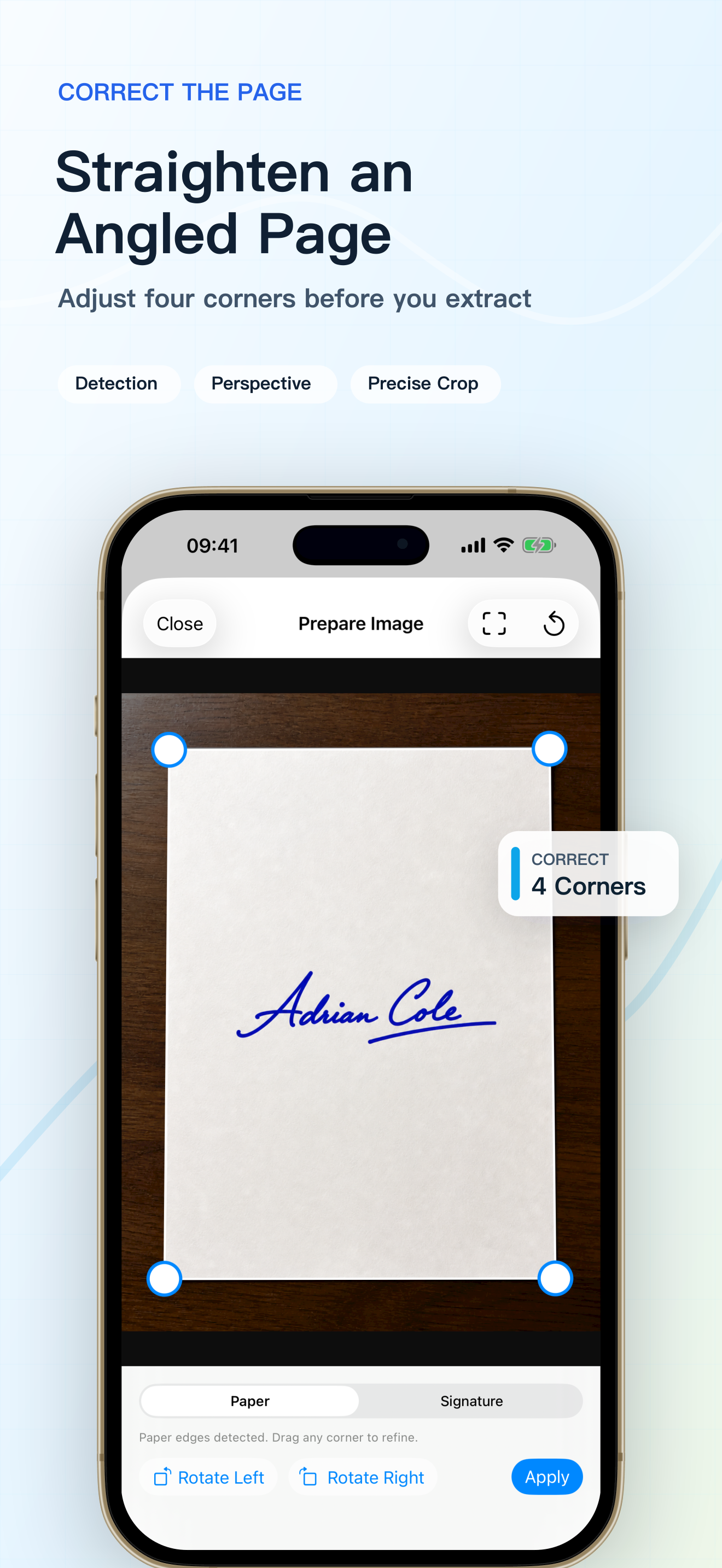
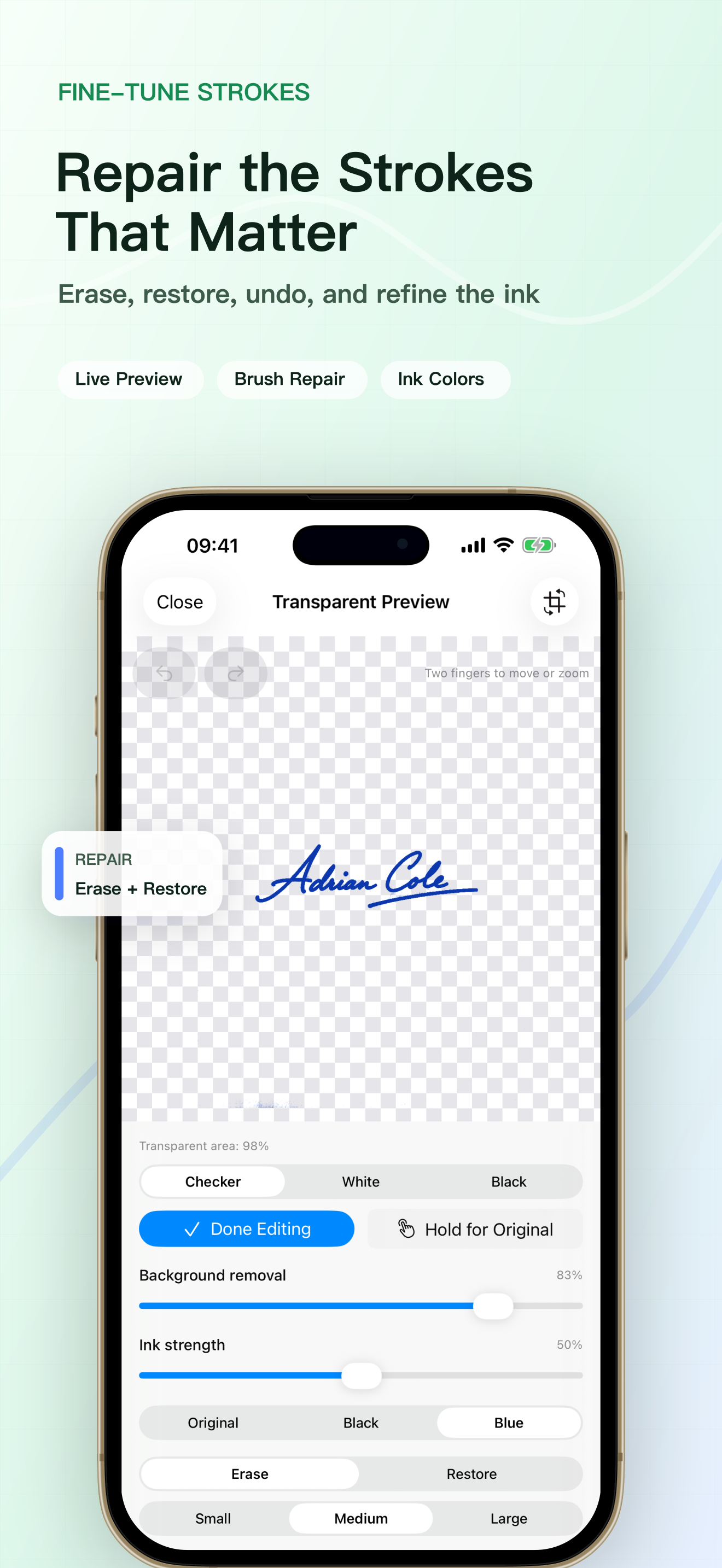
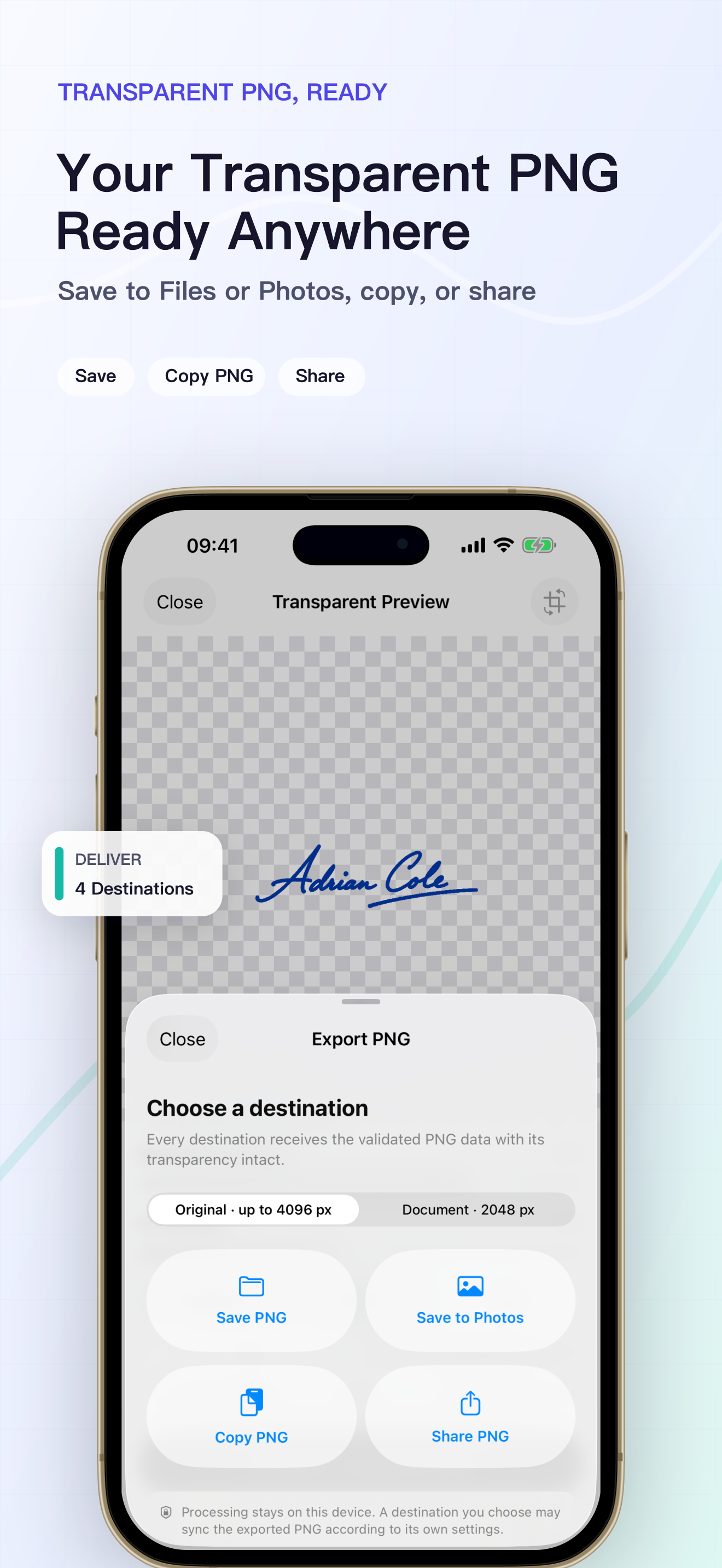
Signature PNG turns a paper signature from a photo or file into a transparent PNG. After importing a JPG, HEIC, or PNG, you can correct an angled page, select the signature region, adjust background removal and ink appearance, and repair details with erase and restore brushes. The result is tightly cropped around meaningful transparent edges with a small safety margin. Signature extraction and editing run on the device; once the result is ready, save it to Files or Photos, copy the PNG, or use the system Share Sheet. The first signature result is free to export, including repeat exports. After that, unlock the current signature on this device with a one-time purchase, or choose restorable Lifetime Access for every signature. A current-signature unlock does not transfer through Restore Purchases. There is no subscription. The current version does not generate signatures, verify identity, certify electronic signatures, or determine whether a contract is legally valid.
Inside the app
See how it works
Select an image to enlarge. Content is illustrative; the interface may change with updates.
Practical how-to guide
Make a transparent PNG from your paper signature
Import a signature photo, correct the page, repair strokes, inspect transparent edges, and save a PNG for a document.
Read the step-by-step guide →Features
Import from Photos or Files
Choose a JPG, HEIC, or PNG through the system PhotosPicker or file importer; the current version does not include direct camera capture.
Correct an Angled Page
Detect page edges, rotate left or right, adjust four-corner perspective, and crop the signature region.
Create a Real Transparent PNG
Remove paper, shadows, and specks, validate the encoded Alpha channel, and trim excess transparent space automatically.
Repair Important Strokes
Refine the result with erase, restore, undo, and redo, using small, medium, or large brush sizes.
Inspect Edges and Ink
Preview on a checkerboard, white, or black background, zoom into strokes, and keep the original ink or switch to black or blue.
Four System Destinations
Deliver the same validated PNG to Files or Photos, copy it to the local clipboard, or share it through the system Share Sheet.


